Beyond the Chatbot: Where AI Actually Saves Time in Document Work
Most "AI features" in office software are a chat box bolted onto the side. Building Pditor taught us where AI genuinely removes work from PDFs, and where it only adds noise.
 Oxid Labs Team 3 min read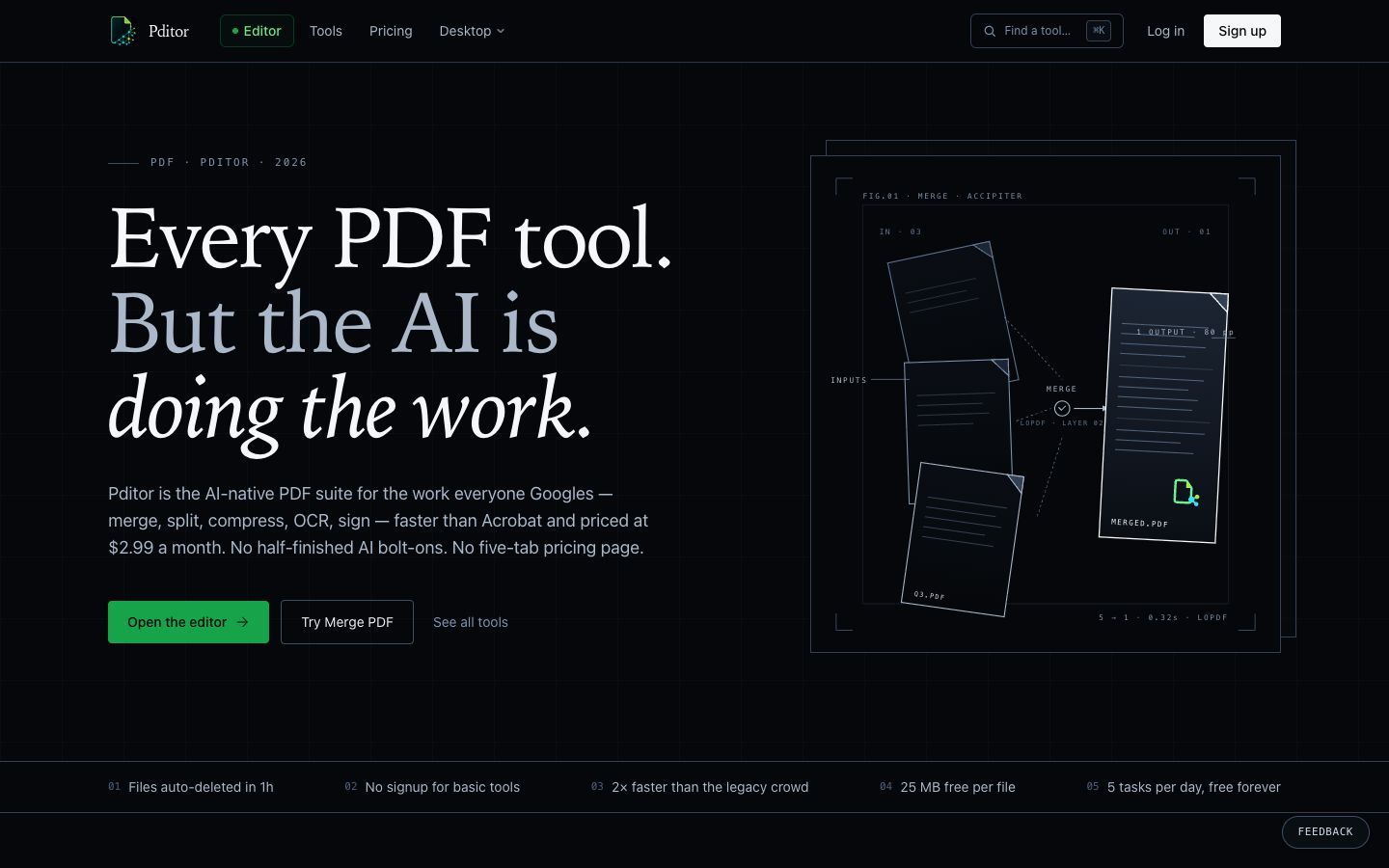
Every office runs on PDFs: contracts, invoices, bank statements, application forms, reports. And almost every PDF tool now advertises “AI”. Usually that means a chat panel that can summarise the document if you ask nicely.
When we built Pditor, our AI-native PDF suite, we started from a different question: which steps in everyday document work are slow, repetitive and error-prone, and can AI remove them completely? Here is what we found.
1. Reading long documents you only need the gist of
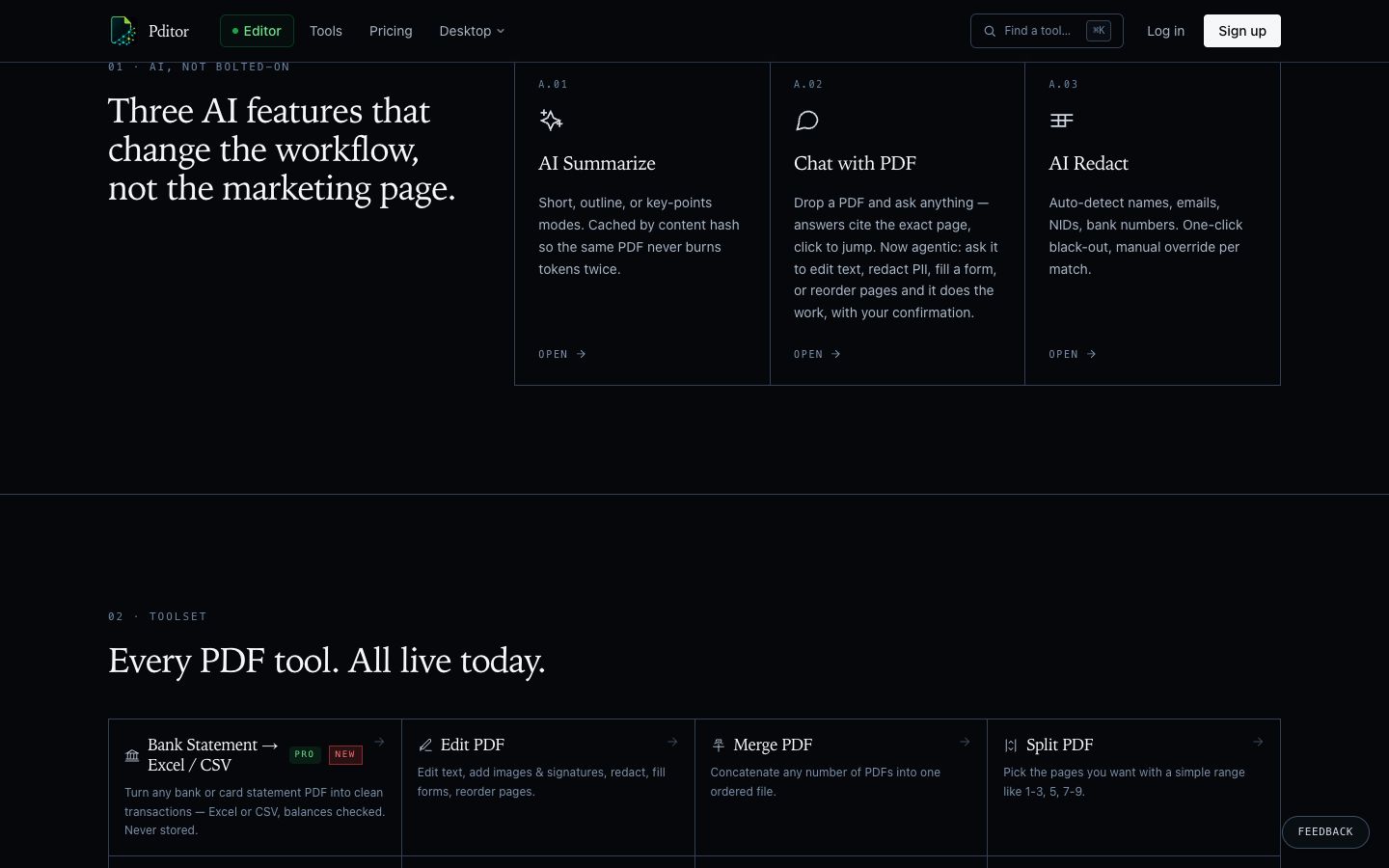
Summaries are the obvious use, and they are genuinely useful when they are shaped for the job. A manager skimming a 40-page report wants key points; someone preparing for a meeting wants an outline. So Pditor offers short, outline and key-points modes instead of one generic summary.
A practical detail that matters at scale: summaries are cached by the document’s content. The same PDF never gets processed, or paid for, twice.
2. Finding the one clause that matters
“Chat with your PDF” only earns trust when every answer cites the exact page it came from, so you can check it in one click. Without citations, you end up re-reading the document to verify the AI, which defeats the point.
3. Doing the edit, not describing it
This is where AI starts saving real time. Instead of telling you how to redact a name or reorder pages, the assistant can do it: edit text, redact personal data, fill a form or reorder pages, and wait for your confirmation before applying the change.
The confirmation step is not optional. Documents are often legal or financial; a person should approve every change.
4. Redacting personal data
Before a document is shared, someone has to find and black out names, emails, national ID numbers and bank details. Doing it by hand is slow and easy to get wrong. AI is very good at finding these patterns, and a person stays in control with a per-item override.
5. Turning statements into data
One of the most requested features was the least “AI-sounding”: converting bank and card statements into clean Excel or CSV, with balances checked. Accountants and small businesses lose hours re-typing these. Pages vary wildly between banks, which is exactly the kind of messy input modern models handle well.
Where AI did not help
Plenty of PDF jobs are already solved by fast, deterministic code: merging, splitting, compressing, rotating, converting. Putting a language model in that path only makes it slower and less predictable. Pditor runs those tools without AI, and keeps AI for the jobs that need understanding.
Lessons for any business adding AI
- Start from the task, not the model. List the slow steps in a workflow, then ask which ones need judgement.
- Make it checkable. Citations, previews and confirmations turn “trust me” into “check me”.
- Keep humans on the approve button for anything legal, financial or public.
- Respect the data. Pditor deletes uploaded files automatically after an hour. Your customers will ask what happens to their documents; have a good answer.
If your team spends hours on documents, forms or reports, our Artificial Intelligence service builds this kind of workflow around your own systems. Or try Pditor for everyday PDF work.
Need help putting this into practice?
Talk to the team behind these products. We build AI, data and software for businesses like yours.